How to Manage Billing in Apptrove?
The billing management process in Apptrove is easy to follow, provided you understand how subscriptions, invoices, payments, and plan modifications work.
This article explains the billing procedure, the invoice generation period, available payment methods, and the effects of upgrading, downgrading, or cancelling the subscription.
How Does Billing Operate in Apptrove?
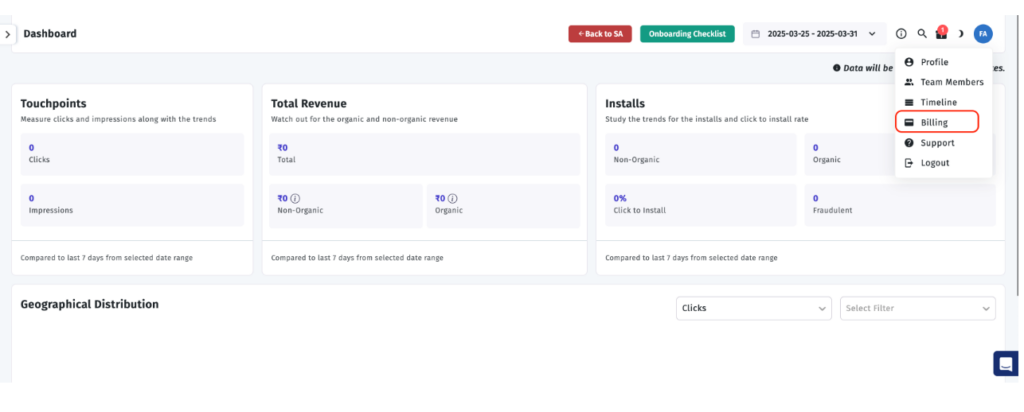
Apptrove has a model of regular billing which incorporates subscription charges and charges based on consumption.
Here’s how the billing functions:
- This involves charging subscription fees in advance before the billing cycle.
- Consumption fees are billed at the end of the month based on the consumption during the previous billing period.
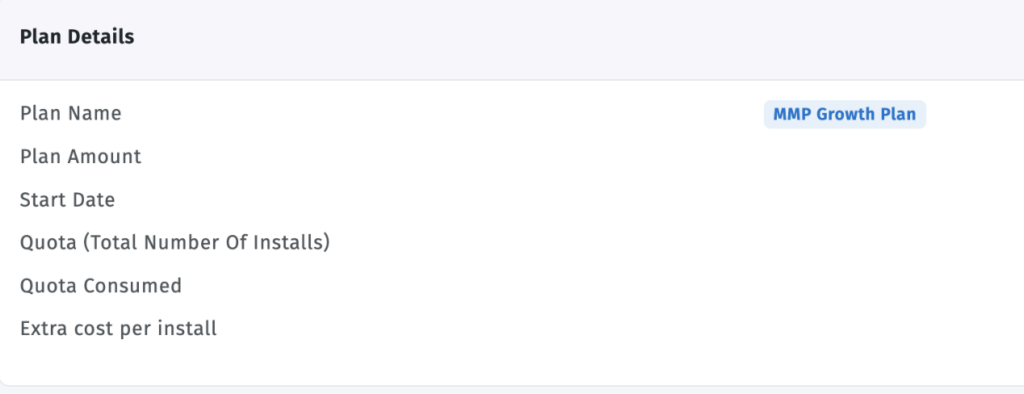
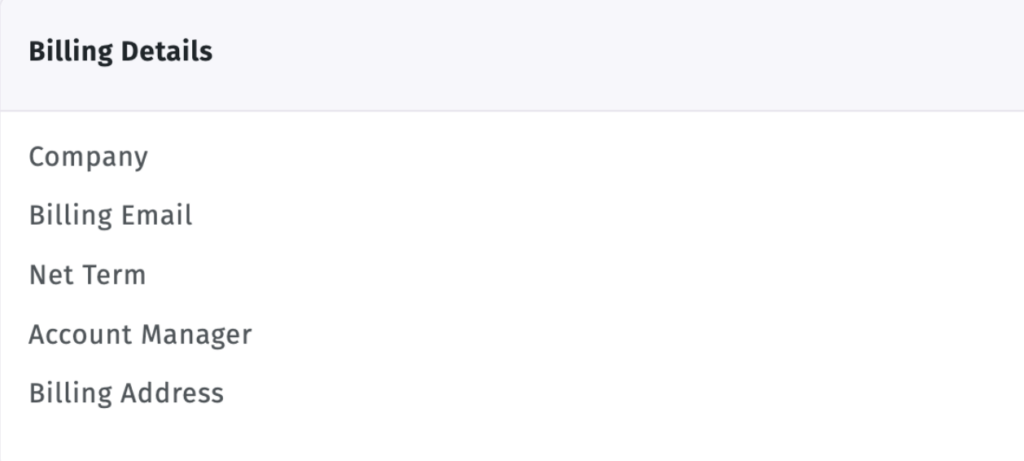
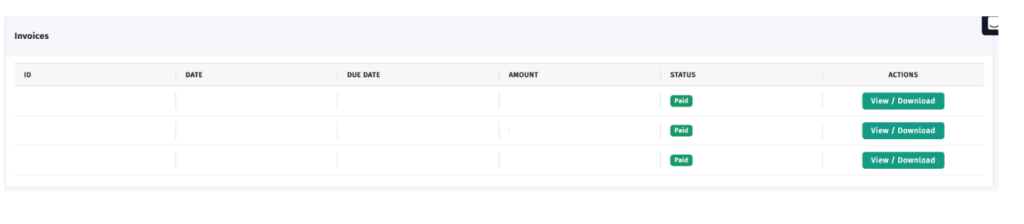
- Places of billing invoice show details like subscription charges and consumption charges.
When Does the Billing Begin?
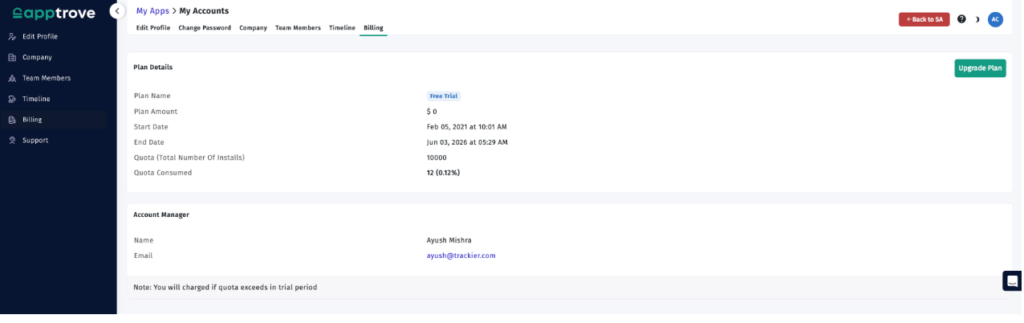
The billing process starts once the free trial period ends.
The first invoice could contain:
- The subscription charges are as per the chosen subscription plan.
- The usage charges incurred during your free trial period.
- After the first invoice, the billing continues on an automatic basis.
Monthly Billing Schedule
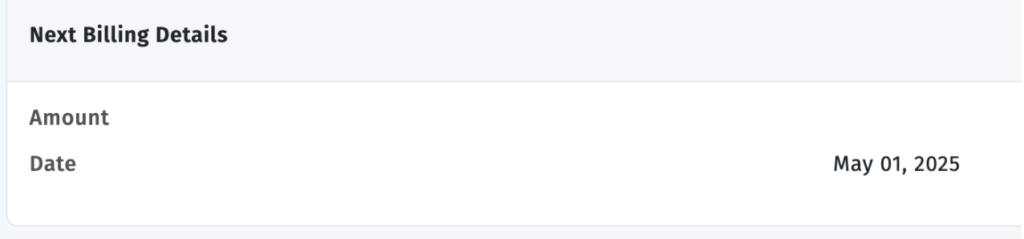
Apptrove also issues invoices each month.
All monthly invoices include:
- The subscription charges for the next month.
- The usage charges incurred during the previous month.
- Other relevant charges due to account activity.
- Payment Methods
Available Payment Methods
There are several payment options available for billing.
- Credit Card
Accepted customers can pay the bills through credit card.
- Bank Transfer
Customers with approved status can also pay through wire transfer.
But note that:
- Wire transfers are available only for customers who are approved.
- All the processing fees related to bank transfers should be covered by the customers.
How Billing Changes When You Upgrade Your Plan
Once you upgrade your subscription, the billing process will be updated automatically.
Once you upgrade:
- Your new plan will go into effect immediately.
- Any charges associated with it will reflect the changes in the subscription.
How Billing Works when you Downgrade
If you decide to downgrade to a subscription level, the change will occur at the end of the current billing cycle.
This means that:
- Your old plan will still be in effect until the billing cycle ends.
- The downgraded plan will commence with the next billing cycle.
How to cancel your billing subscription
You may cancel your billing subscription at any time. When you cancel your billing subscription:
- Your account will remain valid until the end of the current billing cycle.
- You won’t be charged for future billing subscriptions anymore.
Billing refunds
No subscription fees will be refunded.
Note that:
Refunds are not possible for subscriptions that have already been paid for.
Billing During the Free Trial
This free trial is an opportunity for you to test Apptrove before the commencement of your billing period. After the trial period is completed:
- Your first bill will be created.
- Your billing starts according to your chosen subscription plan.
Billing for Contract Clients
Clients on contract-based subscriptions are subject to the terms of the contract regarding their billing.
Such contract terms may be different from the regular subscription billing process
Billing Suspension and Cessation
Non-payment of bills will lead to suspension or termination of your account as per Apptrove policies.
To avert disruptions:
- Regularly update your payment details.
- Pay your bills on time.
- Clear out all unpaid bills on time.
Conclusion
Being informed about Apptrove billing ensures that you can move forward with your subscription and payments with ease. Whether you are beginning with a free trial, upgrading your account, looking through your monthly bills, or cancelling your account, your knowledge of the billing procedure would help you remain in the loop.
from Apptrove https://apptrove.com/how-to-manage-billing-in-apptrove-how-to-hub/
via Apptrove


Comments
Post a Comment